
admin_dashboard:system_admin:users_manager
This is an old revision of the document!
Users Manager
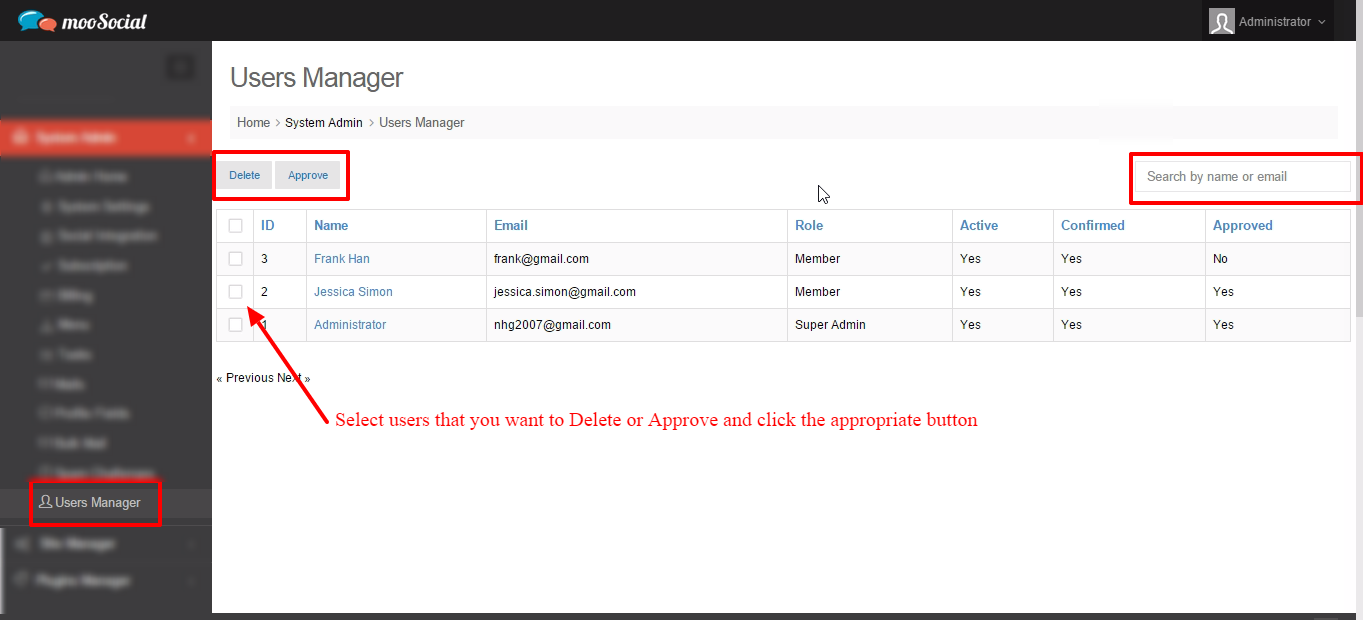
The Users Manager function lets you manage users in your network, edit all information of these users (including password) or approve/ delete multi account(s) easily. You also can quickly search users by name or email address.
1. To access Users Manager function, select “ Users Manager ” under “ System Admin”control.
2. A confirmation popup will be shown. Click OK button to confirm delete action.
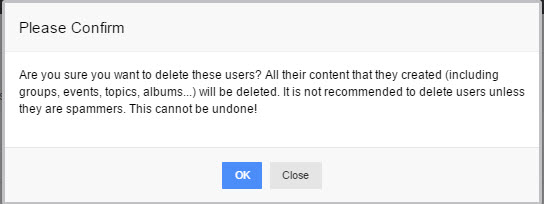
3. Selected user(s) will be deleted permanently.

4. Click on
admin_dashboard/system_admin/users_manager.1426610593.txt.gz · Last modified: (external edit)